Desktop app
6.6 MB, Windows 10 and 11
Discord status while you listen
Your profile shows the song, the artist and the cover with a progress bar, and a button to the song. Pause and it clears.
Its own window
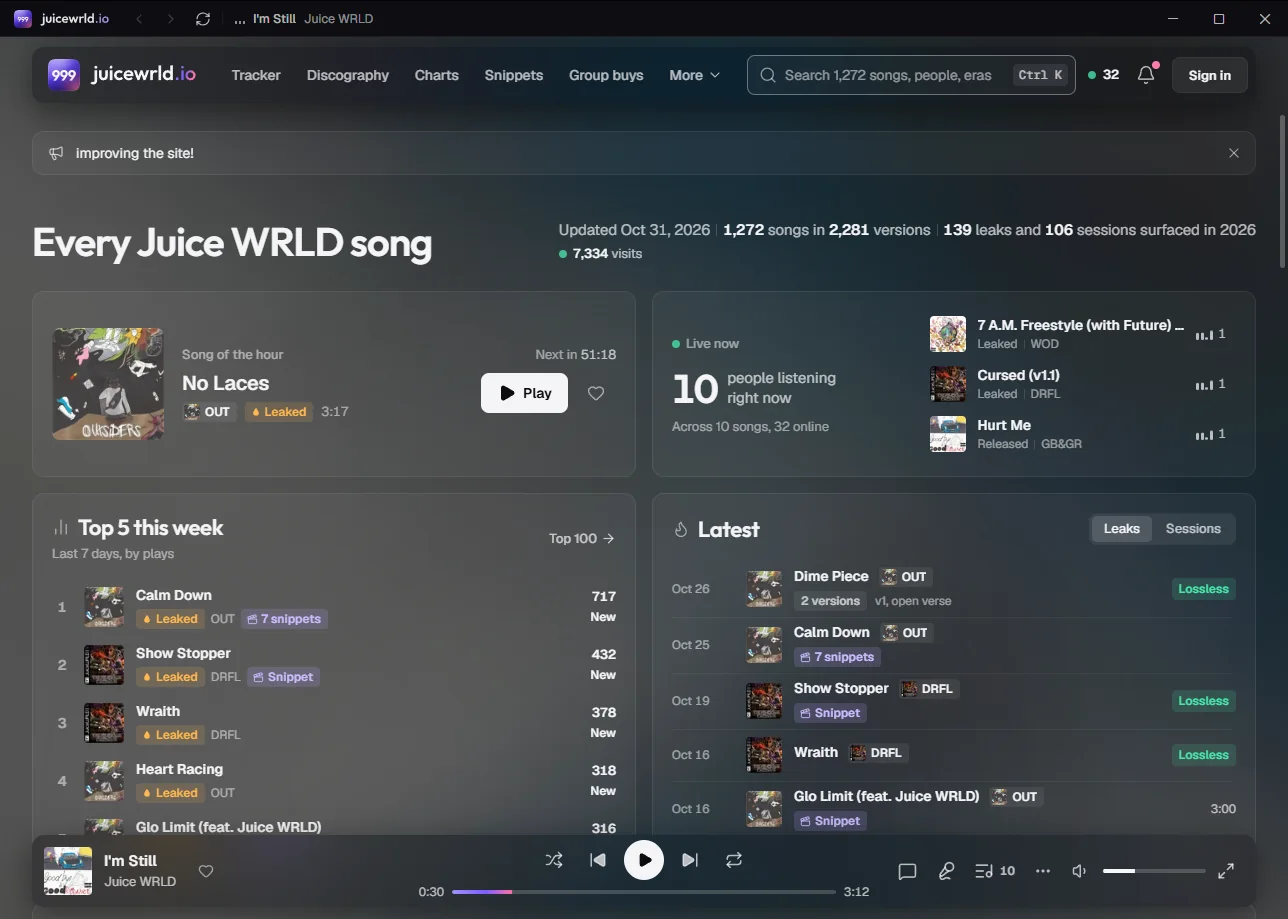
No tabs and no address bar: a quiet title bar with back, forward and what's playing. It remembers its size and place.
Media keys
Play, pause and skip from your keyboard or Windows' media controls, even with the window in the background.
Sign in through your browser
Discord sign-in opens in your browser, where you're usually signed in already, then comes back to the app.
If Windows says “Windows protected your PC”
The app isn't code-signed yet, so SmartScreen can stop it the first time. Choose More info, then Run anyway. It's one file: no installer, nothing else to set up.
The Discord status needs the Discord app open on the same computer, with Share my activity on in its Activity Privacy settings.